Everything a Ugandan school runs on, in one system
From the first day a student enrolls to the report card that goes home at the end of term — students, fees, academics and attendance all live in one place, working offline when you need it to.
Everything a school runs on, in one system
Core modules are included from day one. The rest are switched on per school, so you're not paying attention to features you don't use.
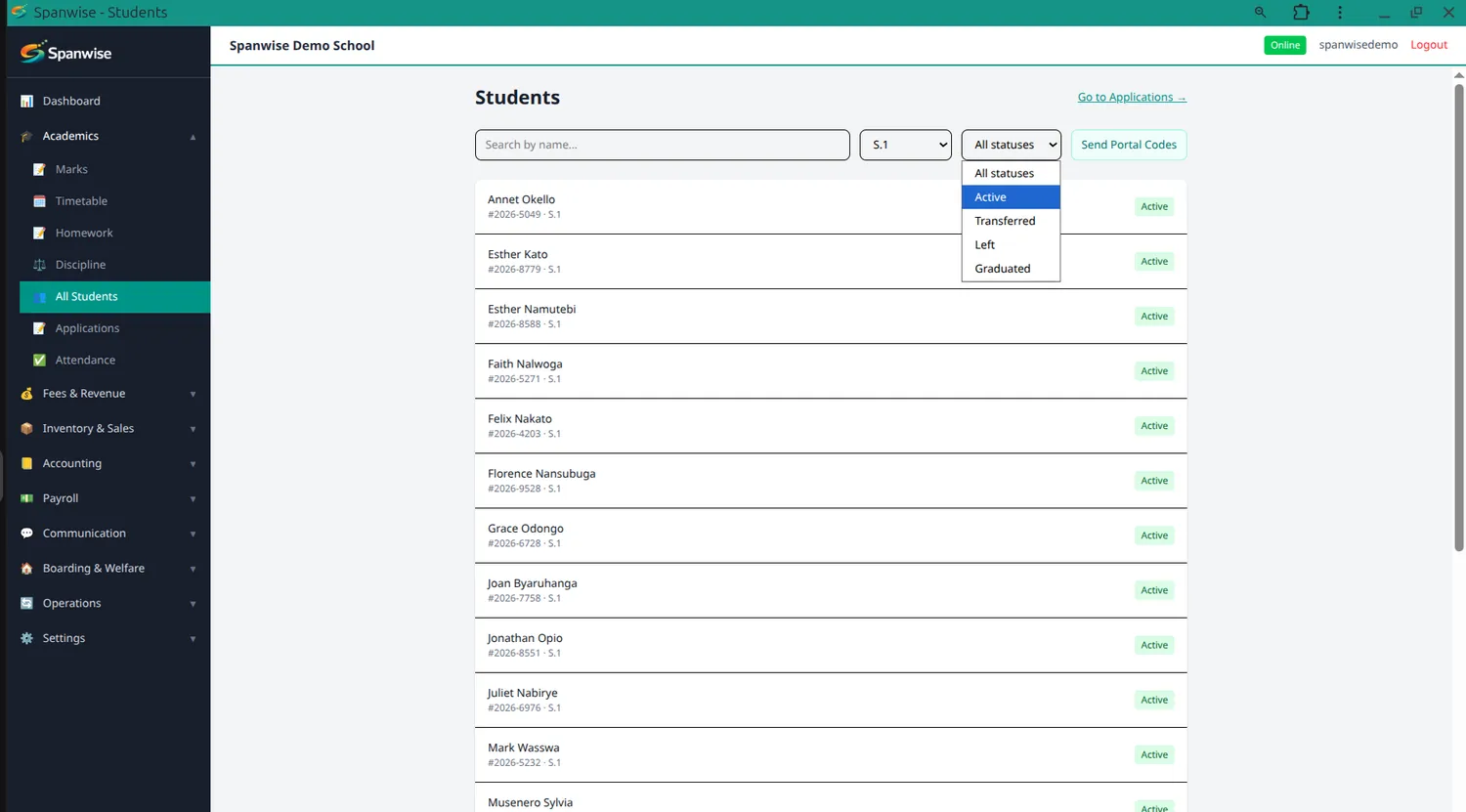
One record per student, from enrolment to graduation
Search by name, class or admission number. Guardian contacts, class placement, photo and status all sit on the same record, alongside their attendance summary, payment history and class history.
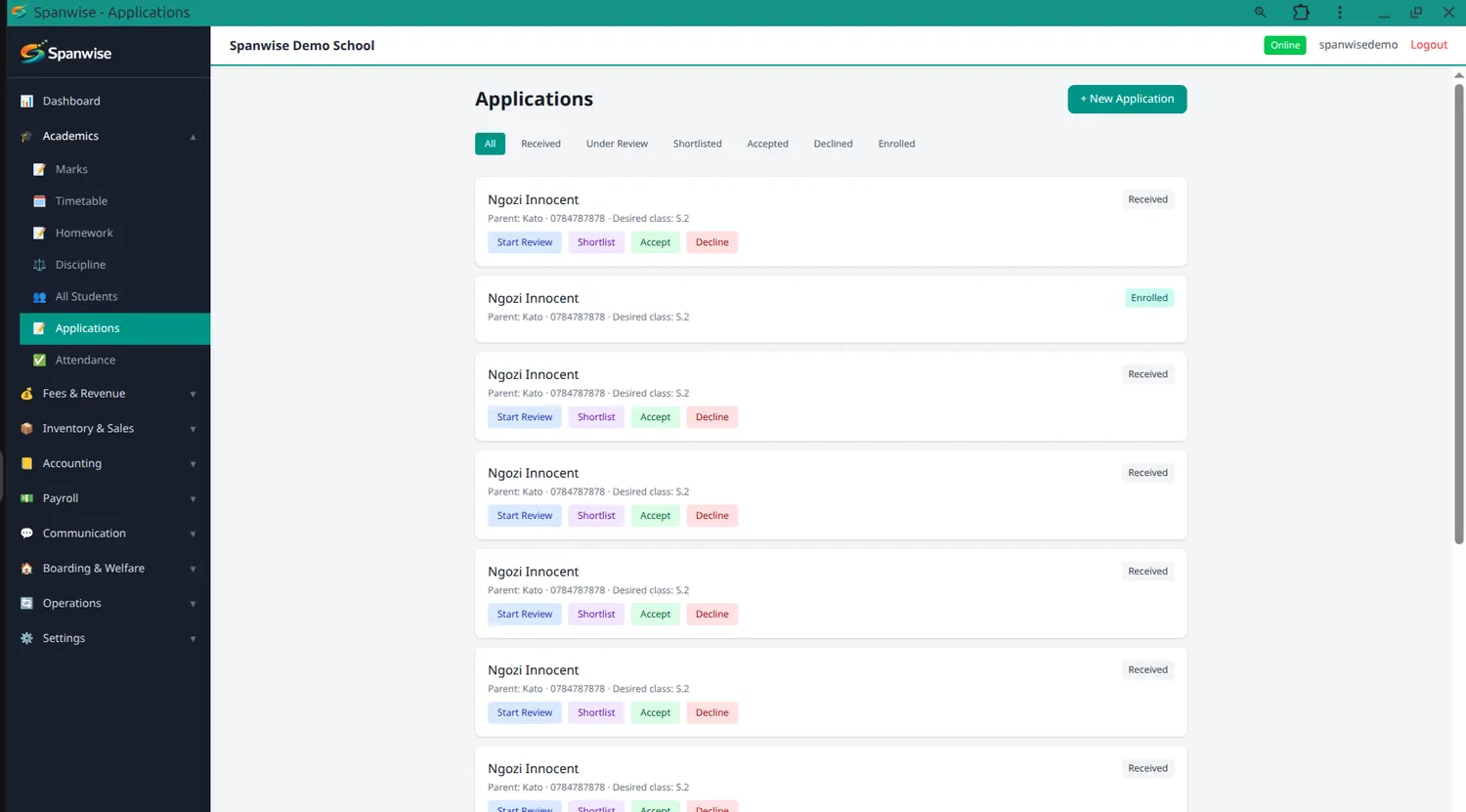
Track an applicant before they become a student
Record an application with the child's details and desired class, then enrol them when they're accepted — so you keep a record of who applied, not just who joined.
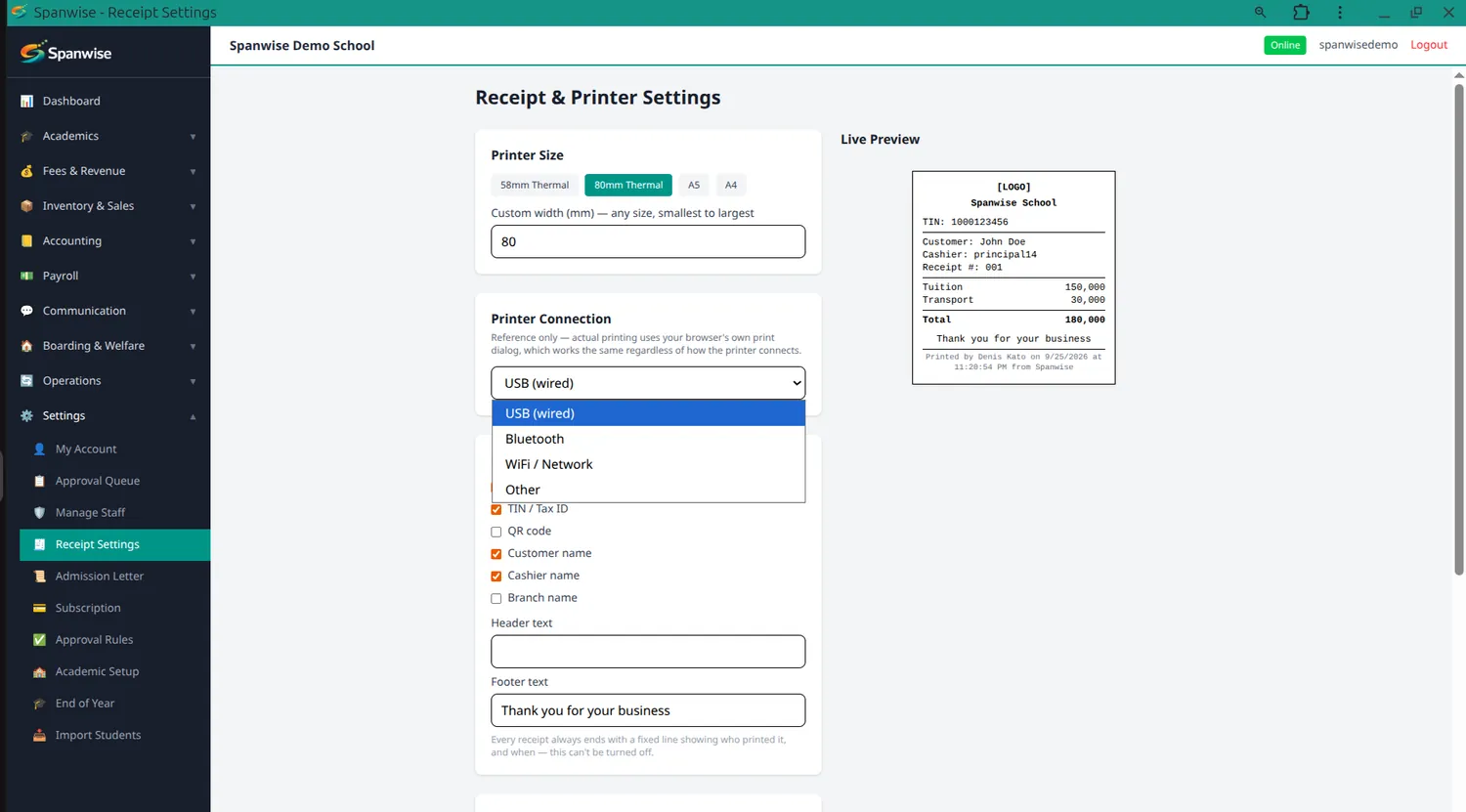
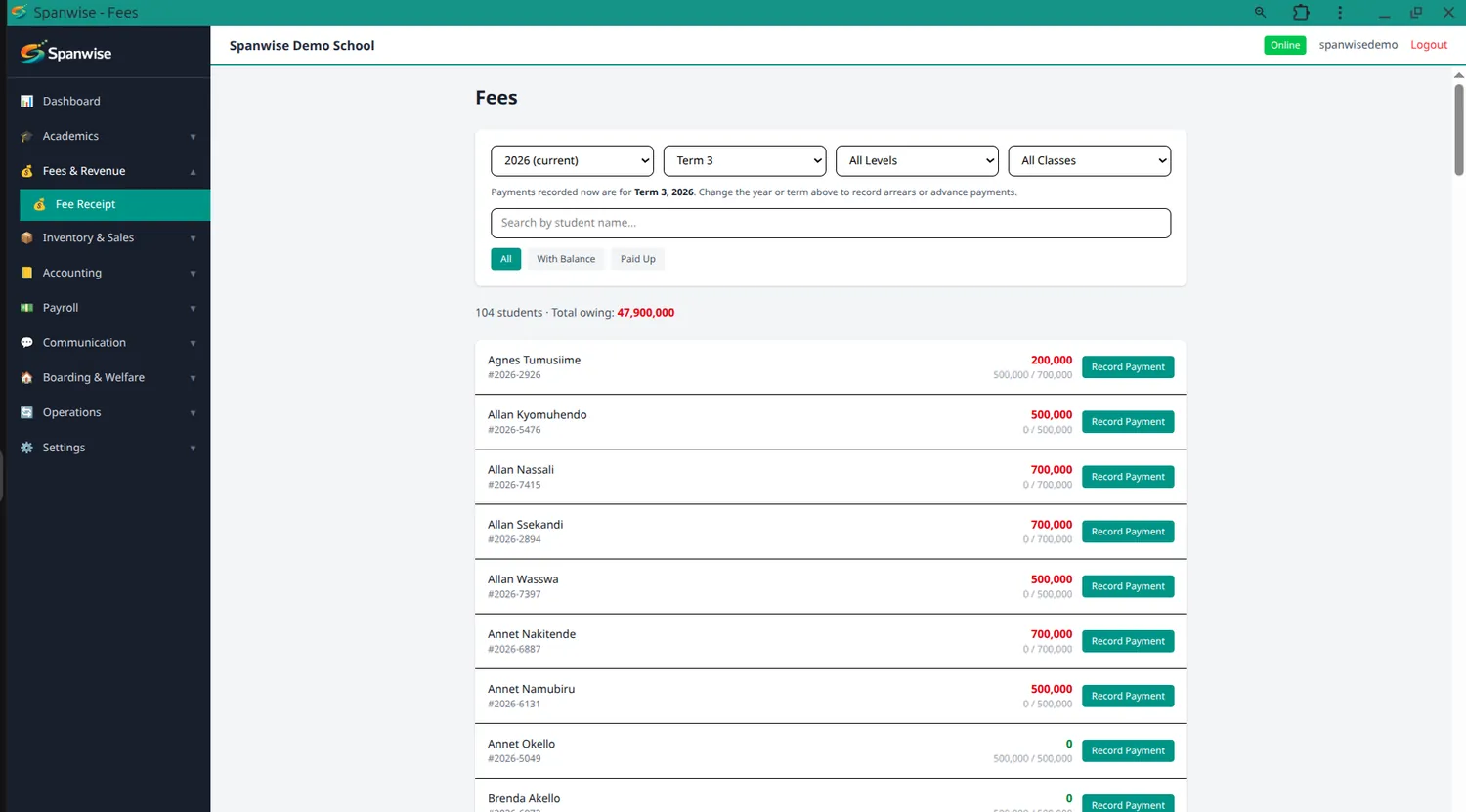
Collect fees at the gate, in the office, or by mobile money
Cash, MTN Mobile Money and Airtel Money, all producing the same receipt. Works with no signal — the payment queues on the device and settles once you're back online.
Know exactly who owes what
Set a fee structure per class or per level, termly or annual. Each student's balance is worked out automatically — what their class owes, minus what they've paid — and you can send every parent their own child's balance by SMS.
Set up once, matched to how your school actually grades
Levels, academic years, terms, classes, streams and subjects, configured to your school. Uganda's PLE, UCE and UACE grading scales come built in.
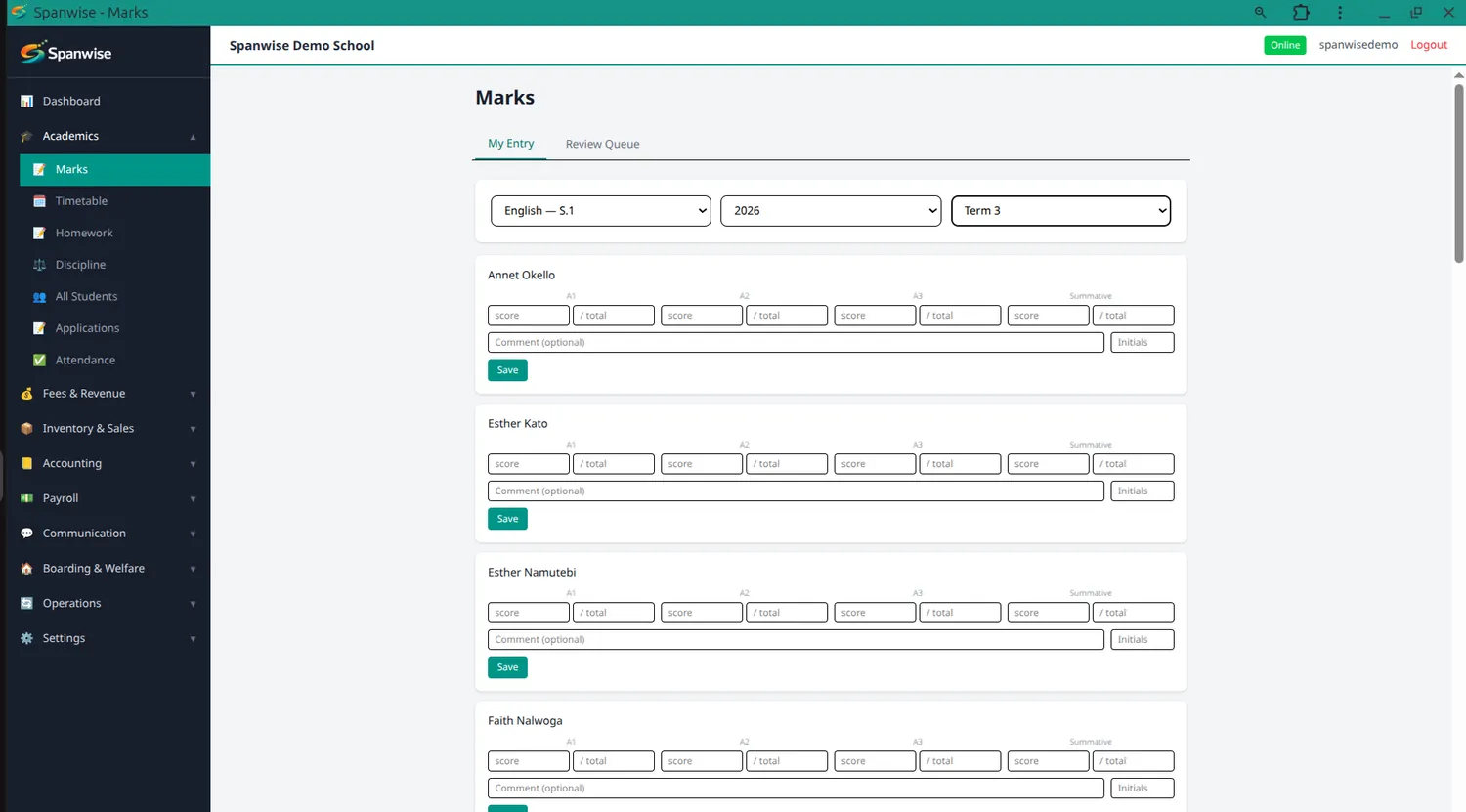
Teachers enter marks, a registrar reviews before they're final
Teachers enter marks only for the subjects they're assigned to teach. Marks are approved before they can reach a report card — so a typo never reaches a parent.
Report cards generated in bulk
Built from approved marks using your own template and school details, with grades, attendance and teacher remarks pulled together automatically — a whole class at once.
Mark a full register in seconds, even offline
Present, absent, late or excused, by class and date. Re-marking a child corrects the existing record rather than creating a duplicate, so a correction is never a mess.
Periods, lessons, exams and holidays
Lesson slots per class, exam scheduling and the school calendar in one place.
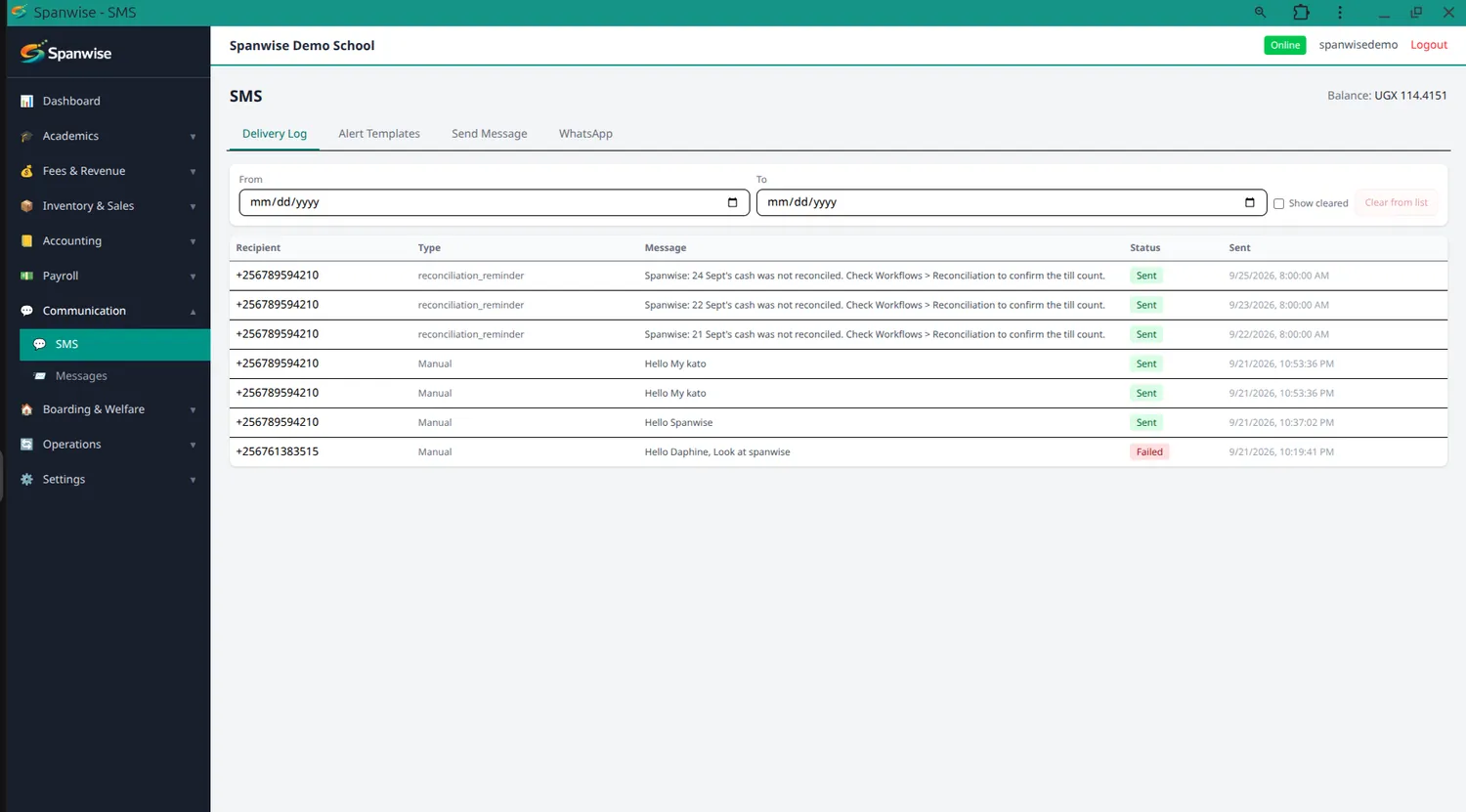
Reach every parent, or just one class
Announcements, fee reminders, results alerts and emergency messages. Automatic alerts only send once you've written the message yourself — nothing goes out that you didn't write.
Parents see their own child, and nobody else's
Their own login showing fees, attendance, marks and report cards, plus a way to message the school directly.
Thirteen roles, and control down to a single permission
From Head Teacher to Van Attendant, each role arrives with sensible access already set. A subject teacher has no Payroll in their menu at all — and can't see a family's payment history from a student's profile.
Optional modules
Off by default. Tell us which your school uses and we'll enable them.
School vans, routes and a daily register
Vans, routes with ordered stops and times, and per-child subscriptions — only subscribed children are charged the route fee, so a child who walks is never billed. The van attendant marks each child on and off, fully offline, and parents get an SMS on pickup and drop-off.
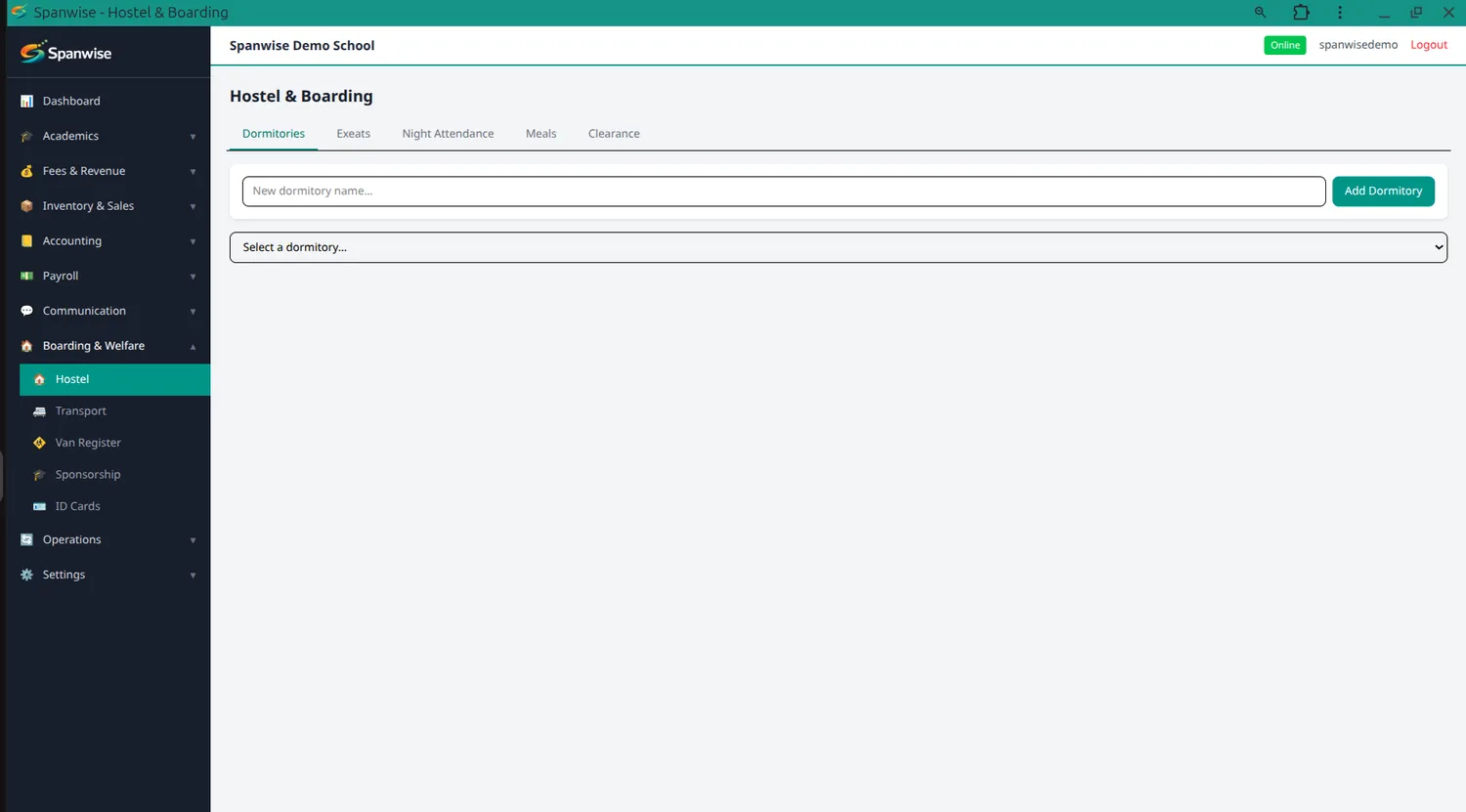
Dormitories, beds, exeats and night attendance
Bed assignments by room, night roll call, exeat requests with parent notification, meals and end-of-term clearance.
Salaries, payslips and statutory schedules
Salary setup, monthly runs with review and approval, payslips, and NSSF, PAYE and bank advice schedules. Staff see their own payslip; seeing everyone's needs permission.
Real double-entry, not a summary
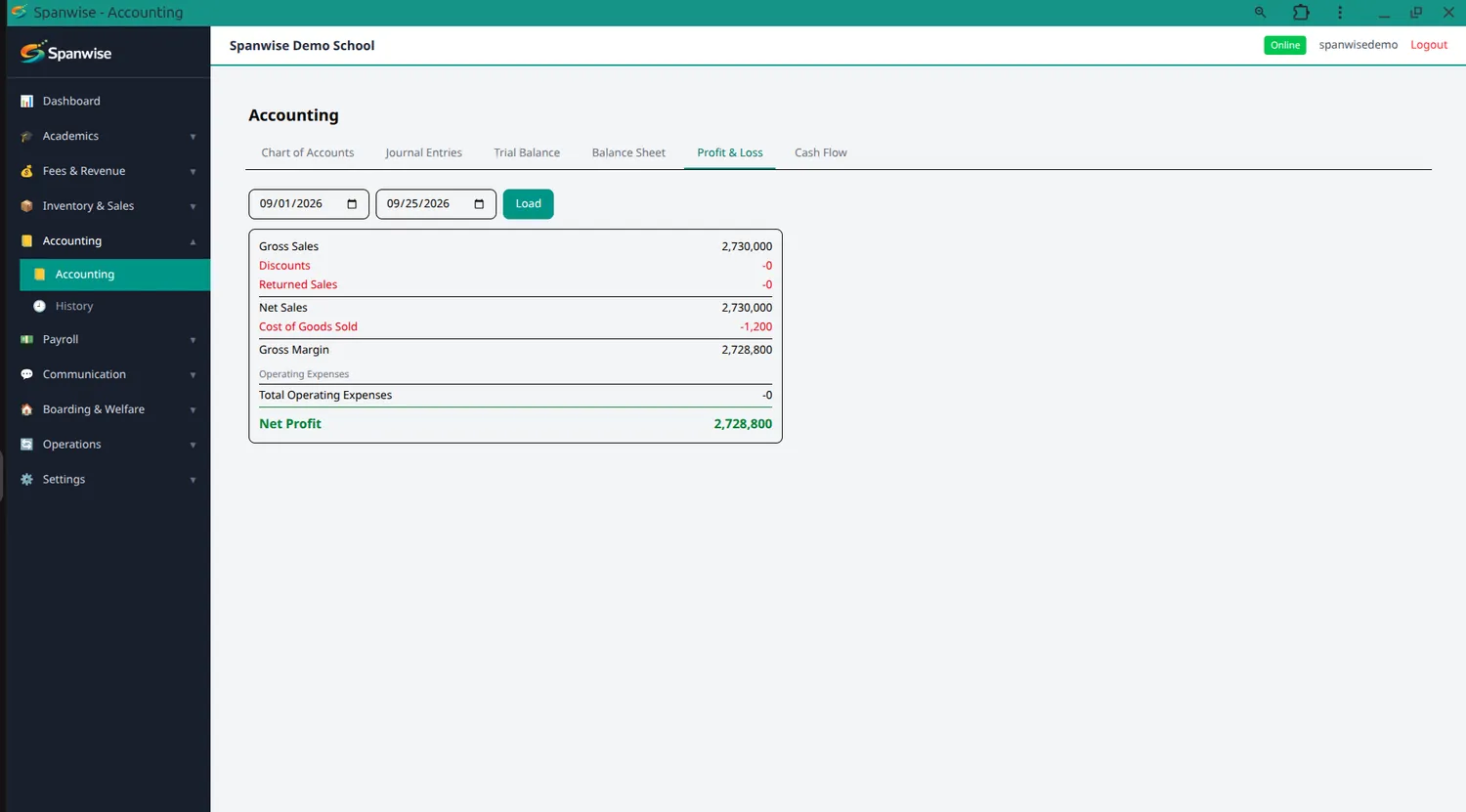
Chart of accounts, journal entries, profit and loss, and daily reconciliation. Fee payments and sales post to it automatically.
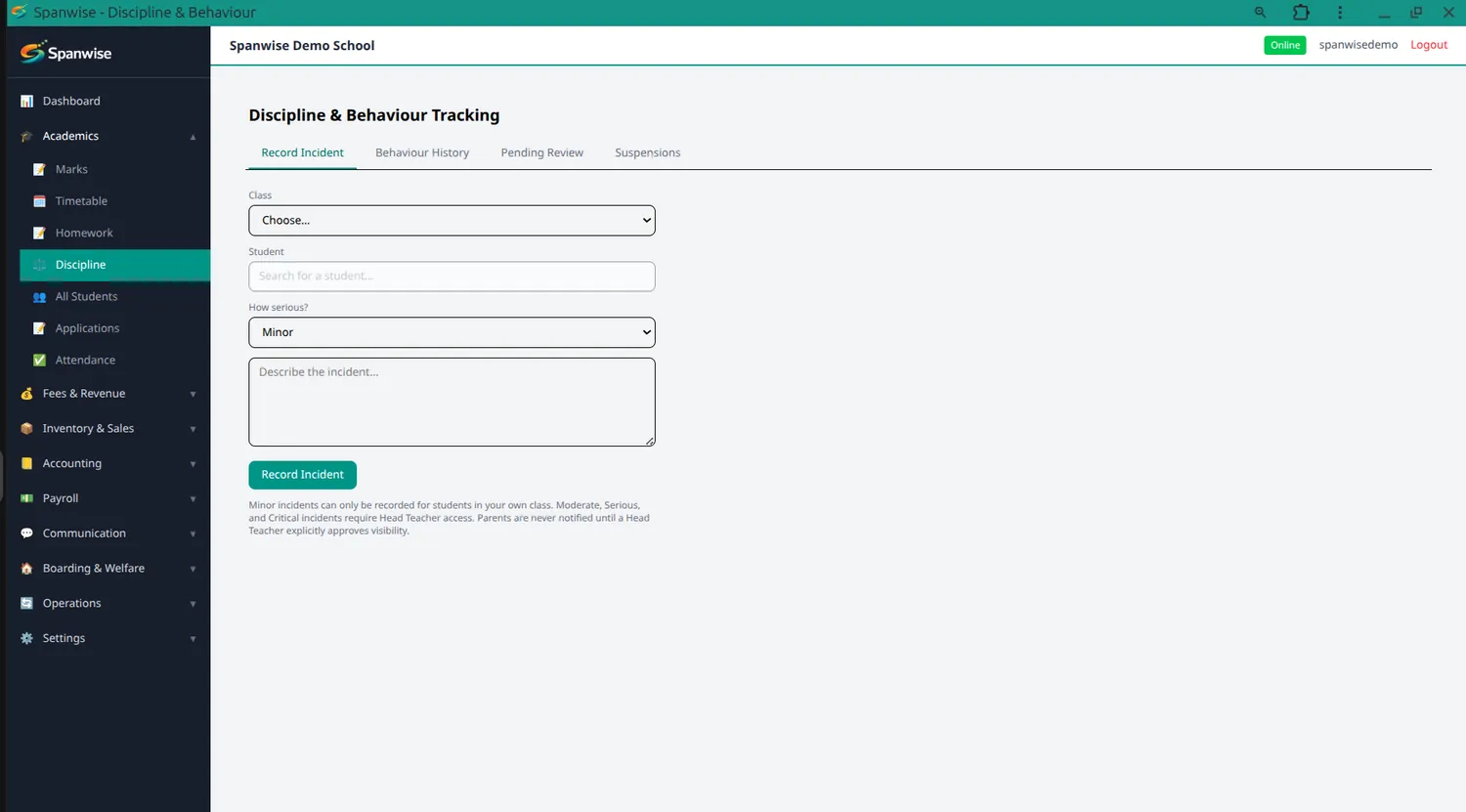
Behaviour records, handled with care
Class teachers log minor incidents for their own class; serious ones are restricted to the Head Teacher. A child's history is visible only to their class teacher and school leadership.
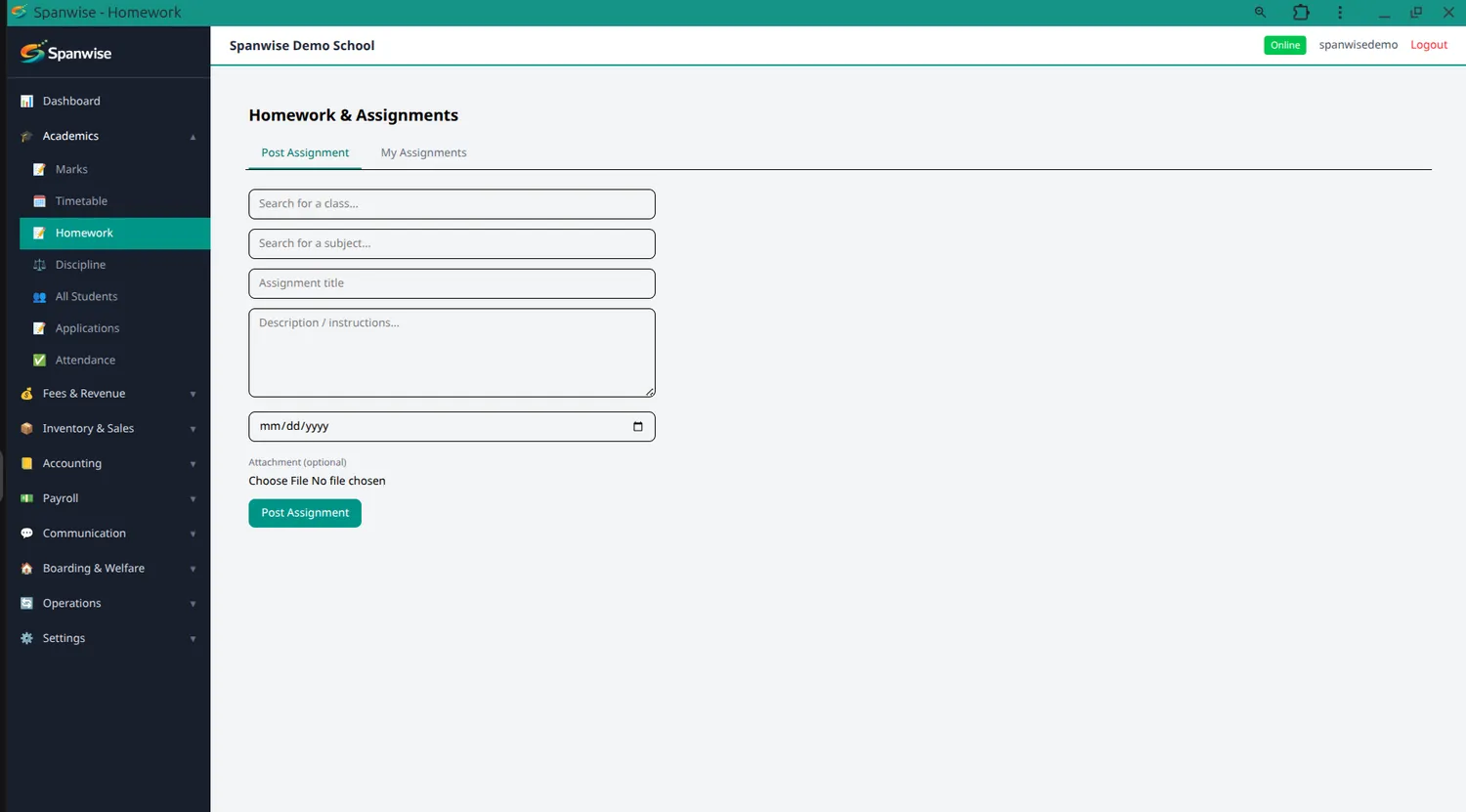
Assignments posted, submissions marked
Teachers post assignments and mark what comes back, with a parent-facing view.
Sponsors, students and what was paid
Track sponsors, link them to students and record their payments. Who a child's sponsor is stays restricted to the staff who handle it.
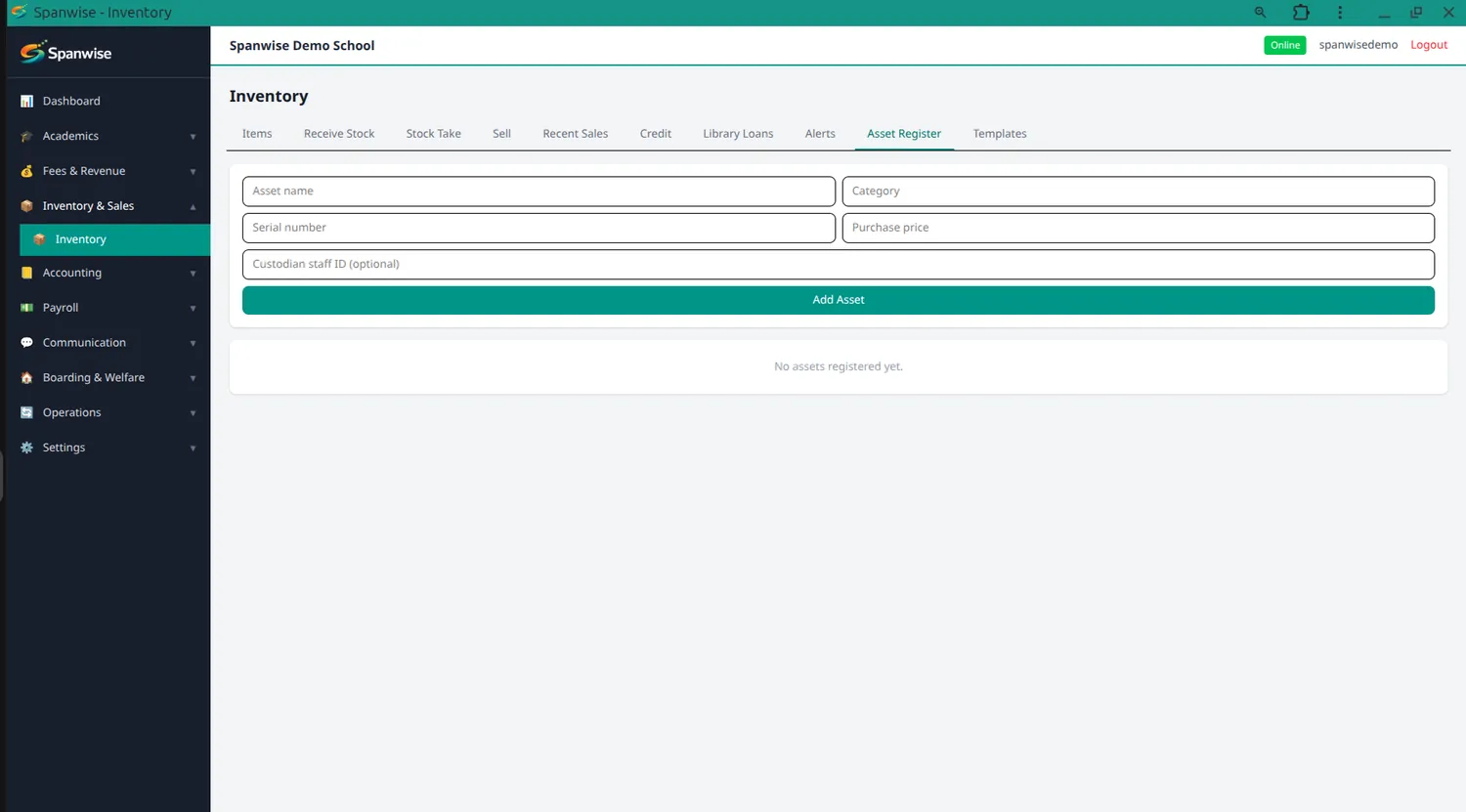
Stock, sales and what the school owns
Stock items and categories, receiving, sales, low-stock alerts, plus school assets with transfers and loans.
Request, approve, receive, pay
Departmental workflows for procurement, with approval steps and invoice matching.
Generated in bulk, per class
With photos, ready to print.
MTN and Airtel, tracked properly
Payment requests and a transaction record, so a mobile money payment is as traceable as a cash receipt.
For groups running several schools
Consolidated figures across every campus, with the ability to select which ones you're looking at.
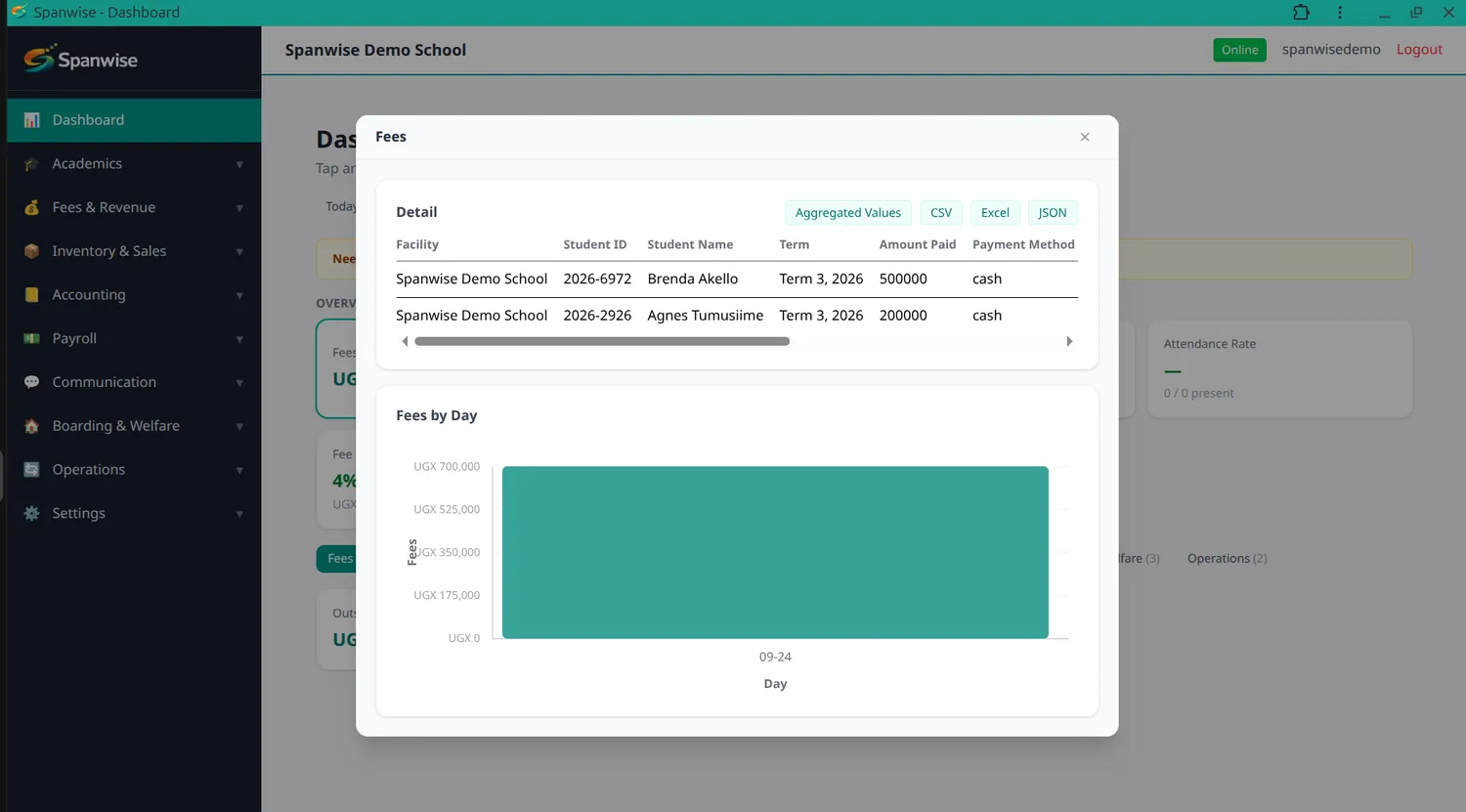
The numbers your bursar and head teacher check every week
Revenue, fee collection rate, attendance rate, exam performance and a card for every module you have enabled — over whatever period you choose. Tap any figure for the detail behind it, and export to CSV, Excel or JSON whenever you need to hand it to someone.